
The Problem
Our phones are already full of apps.
Yet for so many everyday things, we still wish there was a simple, app-like space just for that one purpose.
Apps are heavy. Chats are messy.
So most things never get a space that feels right.
The Solution
Mini-apps for everyday things.
Dome lets you create mini-apps — simple, app-like spaces that feel just right.
Easy to share. Easy for others to use — without installing another app.
Great for a family, an event, a project, a business — or anything else you can imagine!
There’s a mini-app for that.
For things big, small, temporary, or everyday.
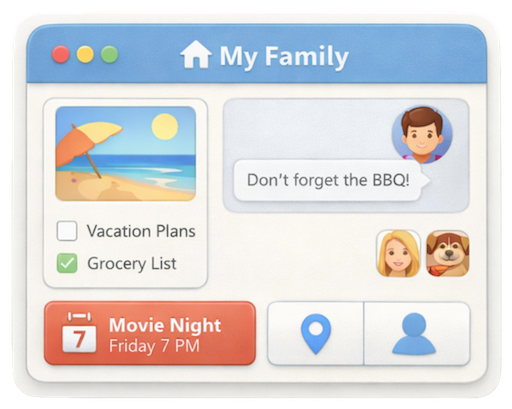
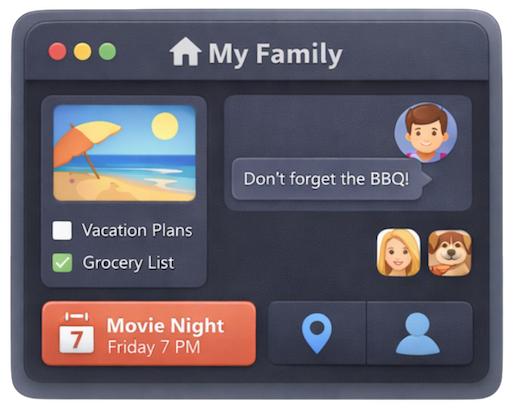
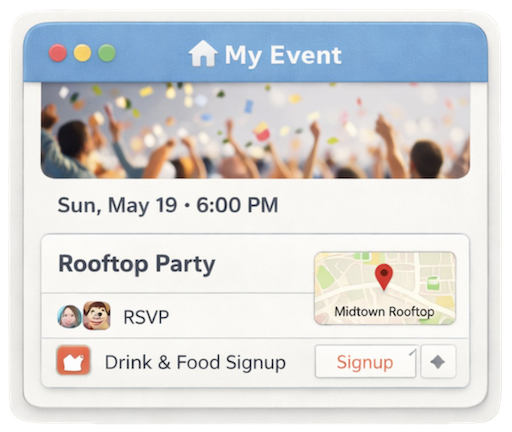
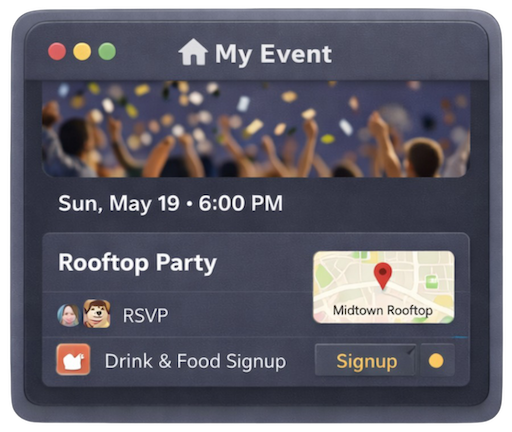
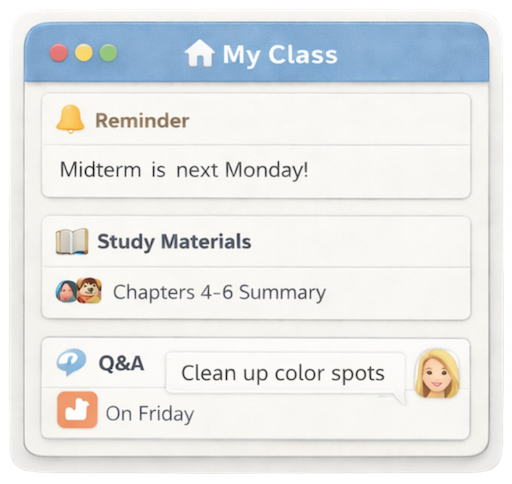
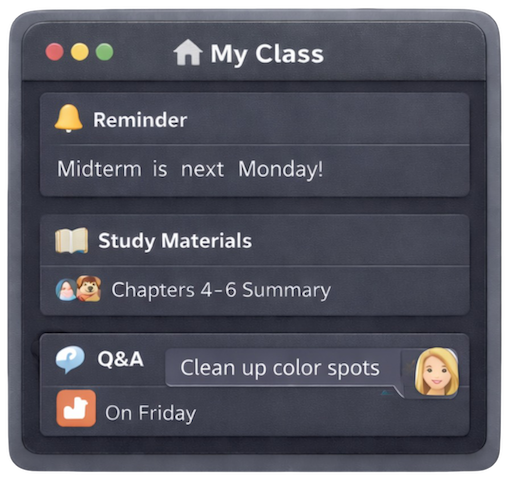
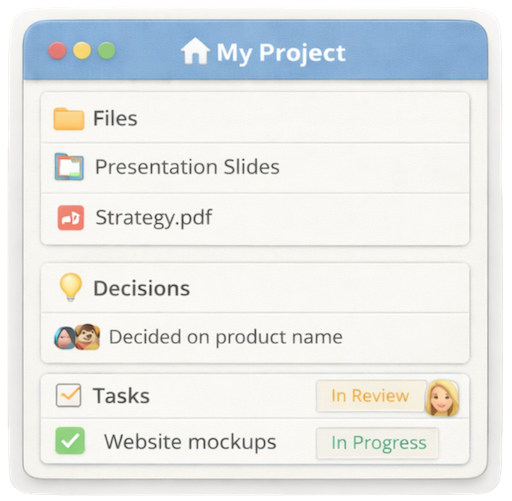
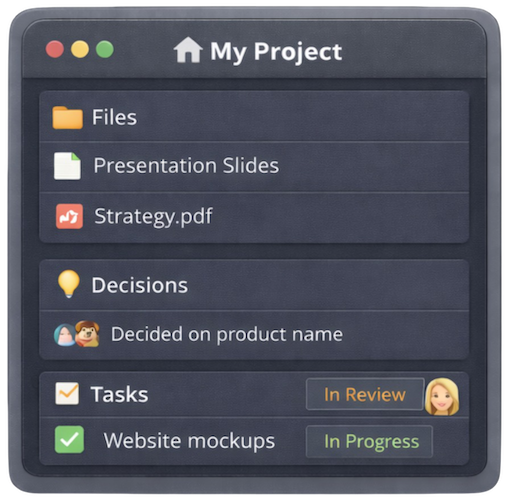
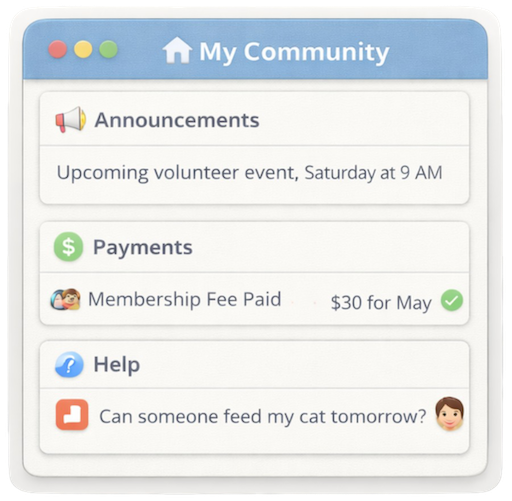

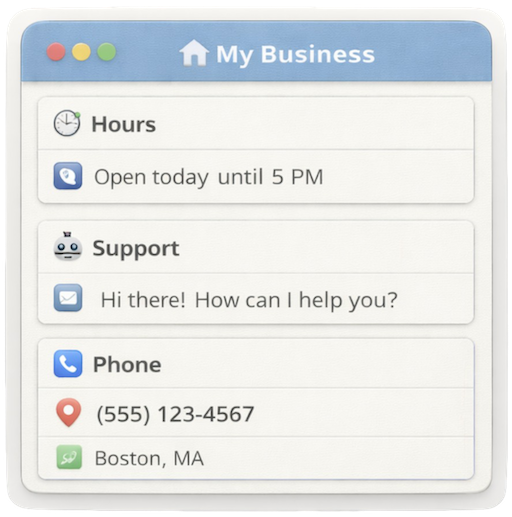
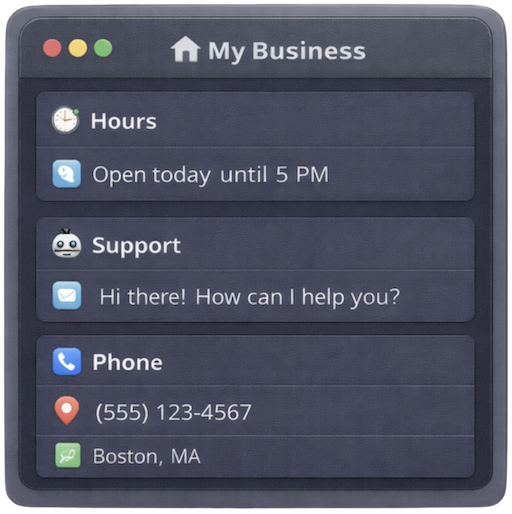


✨ Your idea
Turn your idea into a mini-app! Simply create a dome and add the cards you want to build your own personalized dome!
Reach us at support@dome.so if you are interested in building on the Dome platform. Dome can be easily extended using one web technologies such as React and Angular.
No matter the use case, every mini-app follows the same simple idea.
A mini-app is a flexible space that just works.
You shape it from simple building blocks — nothing more.
Group chat
Quick messages to stay in sync.
Shared photos & memories
All your moments together, in one happy place.
Files & documents
Important stuff saved where everyone can find it.
Posts & discussions
Updates and conversations that don’t get lost.
Maps & locations
Share places, plans, and where to meet.
Contacts & directories
Everyone you need, right there for the group.
And more as Dome evolves.
Not another chat app. Not another drive. Not another website.
- Purpose-built mini-apps instead of endless scrolling
- Everything stays in context
- No installs, no setup
- Private by default
Get started with Dome
Install Dome once, then access or create as many mini-apps as you want.


Create. Invite. Use.
Create a mini-app ("dome")
Give it a name and a purpose.
Add what you need
Chat, photos, files, posts, maps — you decide.
Invite people
Share a link, a QR code or add your contacts by their phone number.
Use it like an app
Works on Android, iPhone, PC and Mac.
Made for the real world.
- Mobile-first
- Private by default
- Fast and lightweight
- Built in India, for the world
Frequently asked questions
Stop creating groups. Start creating mini-apps.
Give every group its own Dome — fast, private, mobile-first.